Two years ago, AI video looked like fever-dream nonsense — melting faces, six-fingered hands, scenes that lasted four seconds before falling apart. In 2026 that's no longer the bottleneck. Modern AI video models produce convincing short-form footage on demand, and the entire creator pipeline (script → video → voice → music → edit) can run end-to-end in software. The new bottleneck is taste: knowing what to make, how to hook a viewer in the first three seconds, and which formats actually perform on each platform.
This guide walks through the full workflow for making AI videos that get watched, not just produced — the tools at each step, the format that fits each platform, the six video styles that consistently perform in 2026, and the mistakes that quietly kill reach.
What's actually possible in 2026
The current state of the art:
- Coherent multi-shot scenes up to 15 seconds with consistent characters and locations.
- Native audio generation in some models (lip-sync, ambient, dialogue) without a separate pass.
- Image-to-video that animates a still photo into 5–15 second clips, perfect for product shots and stylized portraits.
- 1080p output as the new baseline, 4K available on premium tiers.
- Sub-minute production loops — prompt to finished short in under 5 minutes when everything's set up.
What's still hard: long takes (anything over ~20s usually has to be stitched from shorter clips), consistent humans across multiple scenes (use one reference photo), and complex dialogue that involves real interaction. Plan around these limits and the workflow gets much smoother.
The 4-step AI video pipeline
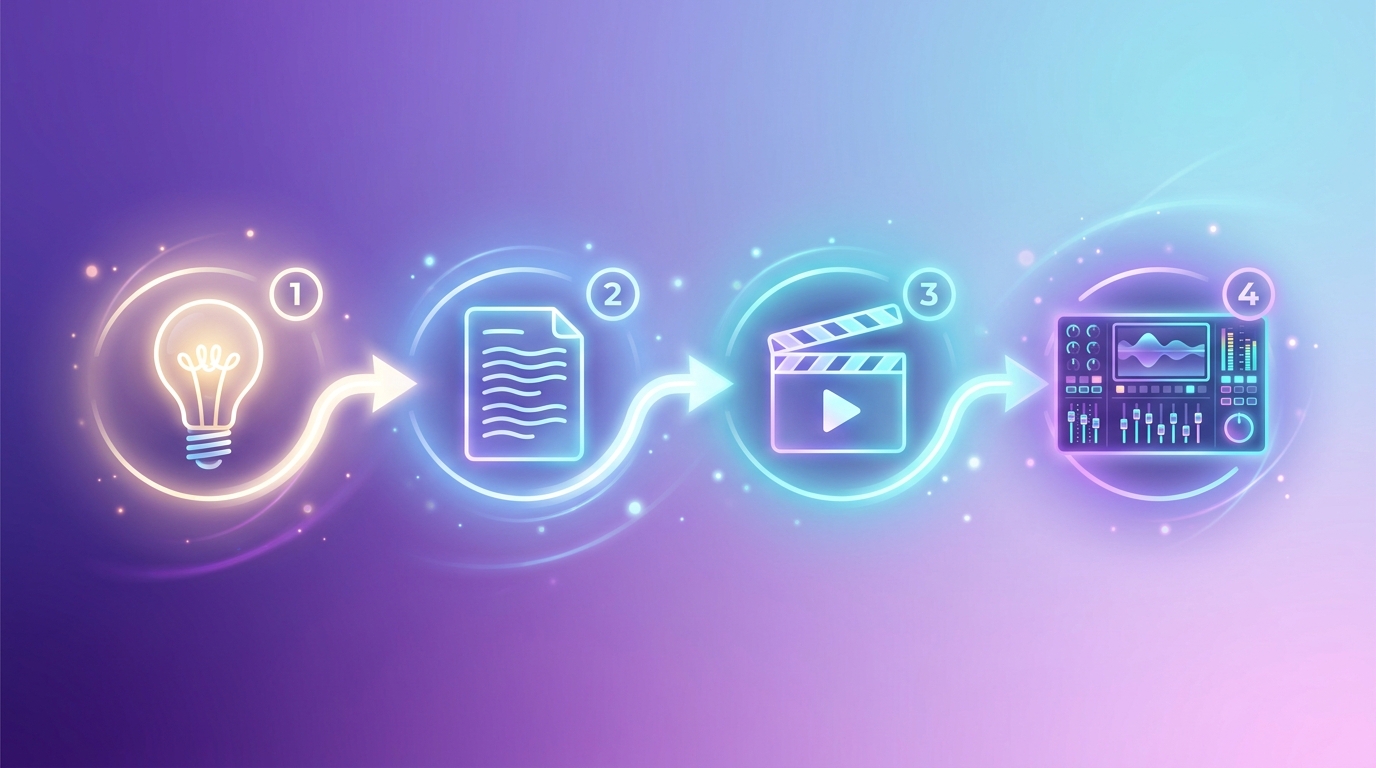
Step 1 — Idea
Don't open the video tool first. Open a chat model and pressure-test the idea. Ask for ten variations on a hook. Decide what the viewer is going to feel in the first three seconds and the last two. The idea phase is the cheapest place to fix a video — once you're generating clips, every iteration costs minutes and credits.
Step 2 — Script
Even a 20-second video benefits from a written script. Format it as a shot list:
- Shot 1 (3s): hook visual
- Shot 2 (5s): context
- Shot 3 (8s): payoff
- Shot 4 (4s): CTA / button-tap moment
For each shot, write a one-sentence description of what's on screen plus any voiceover line. This is the brief you'll feed each tool. Any frontier model writes solid shot lists, but if you want a purpose-built tool that already knows the format conventions for YouTube, TikTok, Reels, and Shorts — including hooks, b-roll cues, and CTA placement — use the AI Script Generator on Generor and skip the prompting overhead.
Step 3 — Video
Generate each shot independently using a video model. You'll typically run 2–4 generations per shot and pick the best. Image-to-video usually gives you tighter control than pure text-to-video — generate the still first (Nano Banana Pro, GPT Image 1.5) and then animate it. Generor's AI Video Generator wraps the major video models in one interface so you can swap between them without juggling separate accounts.
For multi-shot videos that need visual continuity across clips, the AI Video Project Generator lets you build a storyboard, generate a clip per scene with consistency between them, and stitch the result into a single output — much cleaner than generating shots in isolation and trying to match them later.
Step 4 — Polish
This is the step amateurs skip. Polish is what separates "AI slop" from videos that perform: tight pacing, captions, a hook frame, music underneath, color grading, and a deliberate ending frame. CapCut, Descript, or Adobe Express handle the assembly. The pieces are AI; the cut is yours.
The AI tools for each step
Scripts and hooks
- Generor AI Script Generator — purpose-built for video scripts. Pick format (YouTube, TikTok, Reels, ad, tutorial), tone, and target duration; get back a structured script with hook, sections, b-roll cues, and CTA already in place.
- Claude / GPT-5.4 / Gemini 3 Pro — any modern frontier model writes solid shot lists, hook variations, and viral-format outlines if you'd rather prompt directly.
Text-to-video and image-to-video
- Generor AI Video Generator — single interface that wraps Sora, Veo, Wan, Pixverse, and other top models, with text-to-video and image-to-video in one place. Useful when you want to A/B test outputs across models without managing separate accounts.
- Generor AI Video Project Generator — purpose-built for multi-clip projects. Define your scenes once, generate consistent shots, and stitch the final video automatically. The cleanest path for visual storytelling shorts and short-form narratives.
- OpenAI Sora 2 — premium quality with native audio generation; strong on cinematic shots and natural motion.
- Google Veo 3 — Google's latest, excellent prompt-following and physics, native audio in some modes.
- Alibaba Wan 2.6 / 2.7 — strong text-to-video with multi-shot storytelling and lip-sync, good price-performance.
- Runway Gen-4 — popular with creators, fast iteration and strong style control.
- Kling AI — Chinese-developed model known for striking motion quality.
- Pixverse v5 — budget-friendly with multiple resolution tiers; good for high-volume work.
- Hailuo / MiniMax — emerging contender with strong image-to-video.
Image-to-video usually gives sharper control than pure text. Generate the still you want, then animate. If you need yourself in the video, see How to Put Yourself in an AI Image Generator for the reference-photo approach.
Voiceover and lip-sync
- ElevenLabs — the dominant voice model in 2026, expressive English plus strong multilingual; lip-sync via their dedicated tool.
- Cartesia Sonic — extremely low-latency, great for real-time and live applications.
- OpenAI / Google TTS — solid free-tier options bundled into broader subscriptions.
- Hedra / Sync Labs — specialized lip-sync that takes a portrait + audio and produces a talking-head video.
Music and SFX
- Suno v5 — full songs from a prompt; popular for original music beds.
- Mureka — strong instrumental and stem-separated outputs, useful for editing flexibility.
- ElevenLabs Music + Sound Effects — both bundled, with deep prompt control.
Editing and assembly
- CapCut — overwhelmingly the most-used short-form editor in 2026. Free tier handles 95% of needs; AI captions are excellent.
- Descript — script-driven editing where you cut by editing the transcript. Brilliant for talking-head explainers.
- Adobe Express — strong for templates and platform-specific exports.
- DaVinci Resolve — free, professional-grade if you want to color grade and master like a film editor.
Aspect ratios and length per platform
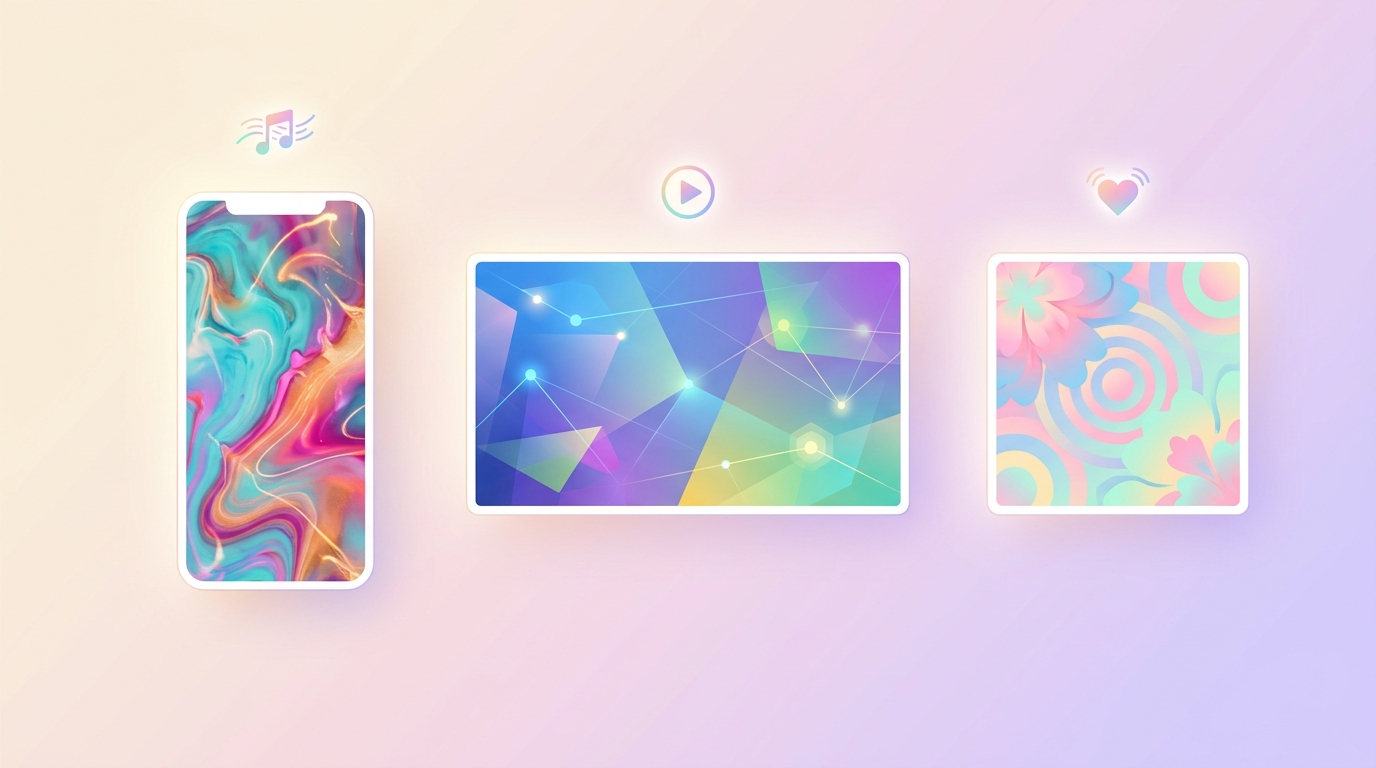
AI video format guide by social platform (2026)
| Platform | Aspect ratio | Sweet-spot length | Max length | Notes |
|---|---|---|---|---|
| TikTok | 9:16 | 21–34s | 60 min | Captions essential. Hook in first 1.5s. |
| Instagram Reels | 9:16 | 15–60s | 3 min | Music matters. Cover frame separate from first frame. |
| YouTube Shorts | 9:16 | 30–60s | 3 min | Heavily favors retention. End-screen CTA limited. |
| YouTube long-form | 16:9 | 8–15 min | 12 hours | Different game — depth, structure, chapters. |
| Instagram feed | 1:1 or 4:5 | 30–90s | 60 min | Square or portrait; not 9:16. |
| X / Twitter | 16:9 | 30–90s | 2:20 free / longer paid | Native upload outperforms links. |
| 16:9 or 1:1 | 30–90s | 10 min | Captions; professional tone wins. | |
| Facebook Reels | 9:16 | 15–60s | 90s | Treat as Reels — same playbook. |
One workflow tip: shoot vertical first, then re-cut for 16:9 and 1:1 platforms. Going from vertical to horizontal usually means letterboxing or losing edges; the reverse adds awkward cropping.
The 6 AI video formats that actually convert in 2026
1. Visual storytelling shorts
3–6 cinematic AI shots strung into a 15–30 second mini-story. The format is "hook visual → escalation → payoff." Works for fantasy, sci-fi, dream-logic concepts, or stylized real-world stories. Plays to AI video's biggest strength: it can produce shots that would be impossible or wildly expensive to film. The Video Project Generator is purpose-built for this format — define each scene, keep continuity across clips, output a single stitched video.
2. Talking head + AI b-roll explainers
You on camera (or a high-quality AI avatar) explaining a concept, with AI-generated b-roll filling the visual gaps. The script is the spine; the b-roll is decoration. Works for tutorials, opinion takes, and educational content. If you don't want to be on camera, build a recurring AI persona instead with the AI Influencer Generator — it produces a complete persona (look, voice, content pillars, audience profile, monetization angles) you can re-use across an entire content series for visual consistency.
3. "AI does X" challenge content
Show the prompt or input on screen; reveal the AI output. The reveal is the dopamine hit. Works for any AI tool category — image generation, voice cloning, music generation, video. Bonus: the audience self-selects toward AI-curious viewers, who are also your most likely product audience.
4. Aesthetic / ASMR / "AI dream" niches
Soft, looped AI visuals plus ambient music. Pure mood content. Surprisingly durable — these accounts compound followers because the watch-time-per-video is high and viewers rewatch. Pick one visual signature (cottagecore interiors, oceanic dreams, retro neon cities) and stay there.
5. Trend-jacks and memes
Take whatever trend is breaking on TikTok this week and produce an AI version of it within 24 hours. Speed matters more than polish — riding a trending sound is worth more than a beautiful video posted three days late.
6. Product and tool showcases
Demonstrate the AI tool itself. Side-by-side, before-and-after, prompt-to-output reveals. If you sell anything related to AI (prompts, courses, services, your own product), this format does double duty as content and conversion.
The first-three-seconds hook
Roughly 70% of viewers leave a short-form video in the first three seconds. This is true regardless of platform, niche, or production value. Patterns that earn the watch:
- Lead with the payoff. Show a fragment of the ending first, then cut back to "here's how we got here."
- Bold visual claim. "This isn't a real city." "She doesn't exist." A statement that demands the next sentence.
- Pattern interrupt. A motion, zoom, or scene that doesn't fit the platform's visual norm. Viewers stop scrolling on novelty.
- Open question. "What if you could… ?" works because closing the loop is its own dopamine hit.
- Implied stakes. A timer, a falling object, a "wait for it" — the brain wants resolution.
Plan the hook before you generate anything. The single biggest predictor of an AI video's reach in 2026 is whether the first 1.5 seconds earn the next 1.5.
Common mistakes that get videos killed by the algorithm
- Uncanny faces. If your character looks almost human but slightly off, viewers swipe. Either stylize fully (anime, claymation, illustration) or use a real reference for a real likeness.
- No captions. 80%+ of short-form viewers watch with sound off until the video earns the unmute. Auto-generated captions are free in CapCut and required for retention.
- No hook frame. The first frame of your video is also the thumbnail. If it's bland, the click never happens.
- Generic "AI look." Soft glow, vague style, dreamy palette — the visual equivalent of stock photography. Pick a style and commit; novelty beats polish.
- No CTA. If you want comments, subscriptions, or clicks, ask explicitly. The algorithm rewards videos that trigger interactions.
- Posting and praying. The first hour after posting matters disproportionately. Be online to reply to comments and reshare.
Two reference toolkits
Free / budget stack
- Script: Claude or ChatGPT free tier
- Image: Pixverse free tier or Generor free credits
- Video: Pixverse v5 / Wan 2.6 (cheap end of Replicate)
- Voice: ElevenLabs free tier (10 min/month)
- Music: Suno free plan
- Edit: CapCut free
Total monthly cost: $0–$15. Output ceiling: 1080p, ~10s clips, 30–60 short videos a month.
Pro stack
- Script: Claude Pro or GPT-5.4 Pro
- Image: Nano Banana Pro or GPT Image 1.5 (via Generor or directly)
- Video: Sora 2 / Veo 3 / Runway Gen-4 for hero shots, Wan 2.7 Pro for fills
- Voice: ElevenLabs paid (Cartesia for real-time)
- Music: Suno Pro or Mureka
- Edit: CapCut Pro or DaVinci Resolve (free) or Premiere
Total monthly cost: ~$80–$200. Output ceiling: 4K hero shots, native audio, polished pipeline.
Distribution: one shoot, multiple platforms
Once you've produced a 30-second vertical short, repurpose it everywhere with minimal extra work:
- Original 9:16 → TikTok, Reels, Shorts, Facebook Reels
- Re-cut to 16:9 with side fills → YouTube long-form intro, X, LinkedIn
- Static frame from hero shot → Pinterest, Instagram feed, blog
- Audio strip → podcast clip, X audio, TikTok sound
Native uploads beat link-sharing on every platform's algorithm. Re-upload directly rather than posting a link to TikTok on Instagram.
Generor's video stack at a glance
If you'd rather stay in one place for the full pipeline, the four Generor tools chain end-to-end:
- AI Script Generator — writes the script, hook, b-roll cues, and CTA for any platform and length.
- AI Influencer Generator — builds a reusable persona (look, voice, niche, monetization angle) for series-style content where consistency matters.
- AI Video Generator — single interface to Sora, Veo, Wan, Pixverse, and other top models for one-off text-to-video and image-to-video clips.
- AI Video Project Generator — multi-clip projects with scene-to-scene continuity, ideal for visual storytelling shorts.
Pair them with an editor (CapCut is the easy default) and you have a complete short-form workflow — from idea to cut — without leaving one platform.
The bottom line
The hard part of AI video in 2026 isn't producing it — that part is genuinely cheap and fast now. The hard part is producing video that earns attention in feeds full of other AI video. Pick a niche, build a hook discipline, polish ruthlessly, and post consistently. The tools have caught up to imagination; what wins is taste.
For more on the AI terms you'll bump into while building this stack — context windows, sampling, reasoning models — see AI Settings Decoded: Temperature, Tokens, Top-P & More. For getting yourself or a specific person into AI-generated videos via reference photos, see How to Put Yourself in an AI Image Generator.