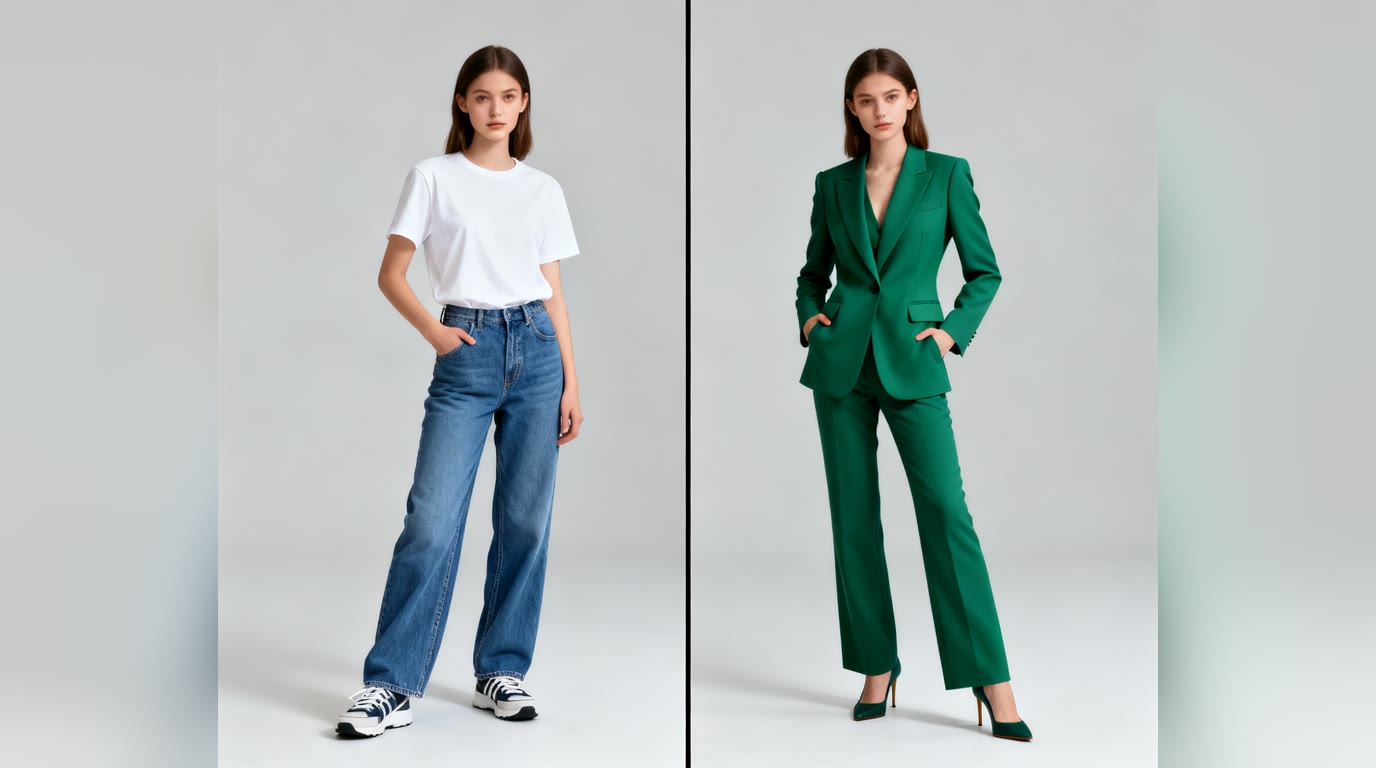
Changing the clothes in a photo used to mean an hour in Photoshop and results that fooled nobody. Current AI image models do it in about twenty seconds: you provide a photo, describe (or show) the outfit you want, and the model redraws the clothing while keeping the person — face, pose, background — exactly as they were. This guide walks through how it works, how to get results that look real, and where the technology still stumbles.
What an AI clothes changer actually does
Under the hood this is image-to-image generation with a garment-replacement instruction. The model reads your photo, keeps the regions you want preserved (face, hair, body position, background), and regenerates the clothing region to match your description — including how fabric should drape over your specific pose and how the lighting in your photo should fall on the new material. That last part is what separates modern models from the old cut-and-paste approach: the new clothes are rendered into the scene, not layered on top of it.
Step by step: change an outfit in a photo
- 1. Pick the right source photo. Front-facing, decent light, current outfit fully visible, no heavy motion blur. The model can only preserve what it can see — a sharp photo of you gives back a sharp photo of you.
- 2. Upload it as the person photo. In the AI Outfit Changer, that's the first slot. Previous uploads appear as clickable thumbnails so you can reuse a good photo.
- 3. Specify the new outfit — describe it, show it, or both. Three ways:
- Describe it: "charcoal three-piece suit with a burgundy tie" beats "something formal" every time. Specific fabric, color and fit words pay off.
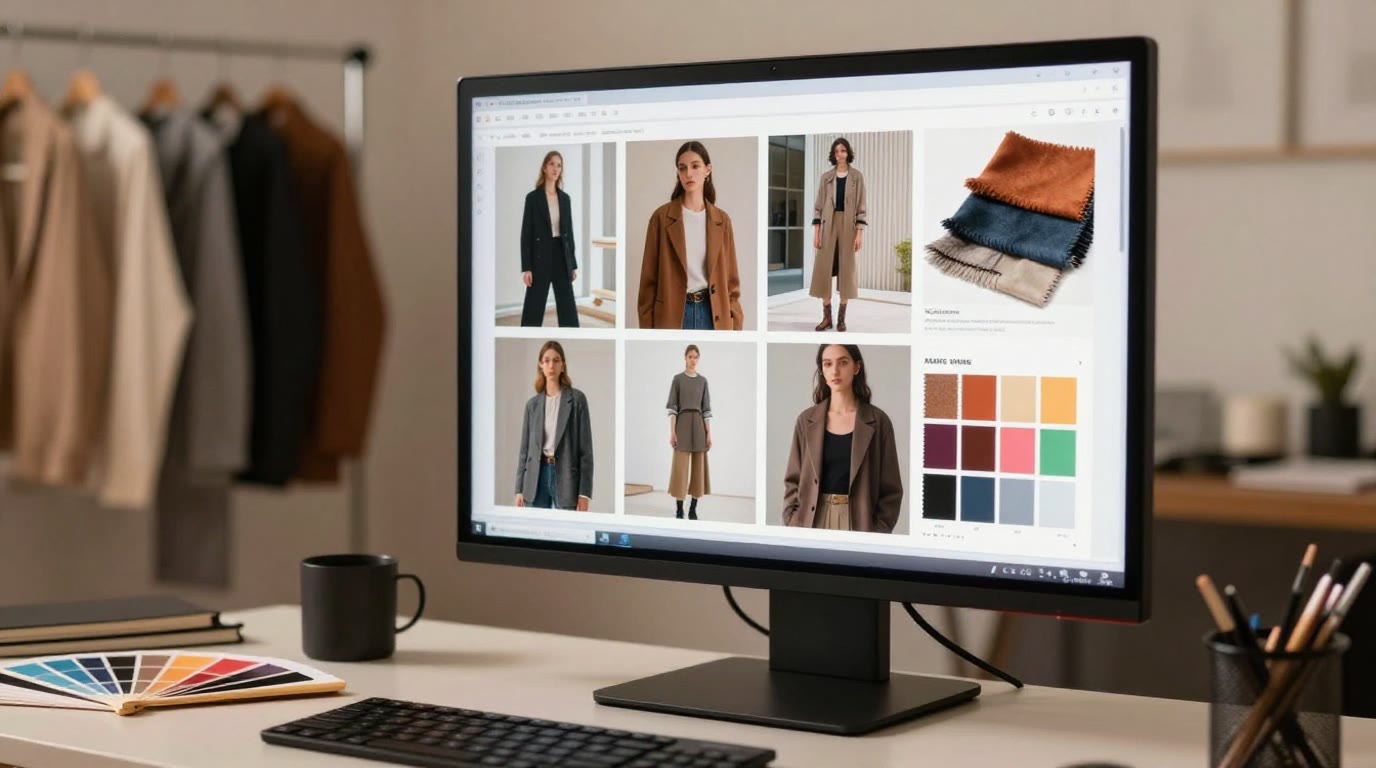
- Show it: add a second photo of the actual garment — from a store listing, a lookbook, or another picture — and the AI dresses you in that outfit. This is the closest thing to a virtual fitting room.
- Pick a type: the Outfit Type presets (suit, cocktail, streetwear, winter layers…) give the model a solid garment category to anchor on, and your text refines it.
- 4. Generate and iterate. First results are usually 80% there. Rerun with a tweaked description — "looser fit", "matte fabric, no shine" — rather than accepting a near-miss.
- 5. Check the details before using it. Zoom on hands, garment edges, and anywhere clothing meets skin or hair — that's where artifacts hide.
Getting results that look real
- Match formality to context. A ballgown in a kitchen photo will render — and look exactly as odd as it sounds. The background stays, so pick outfits the scene can carry.
- Front-on beats angled. Complex poses (crossed arms, twisted torso) give the model more fabric physics to solve, and more chances to get it wrong.
- One layer at a time. "Navy overcoat over a grey hoodie over a white tee" triples the failure surface. Start with the main garment; add layers in a second pass using the result as your new source photo.
- Photo orientation matters. Phone photos sometimes carry hidden rotation data; a good tool normalizes this automatically, but if your result comes back sideways, re-save or re-upload the photo.
Where it still stumbles — honestly
- Fit is an illusion. The AI shows how clothes look, not how a real garment in your size would actually fit. Treat it as a styling preview, not a tailoring service.
- Text and logos on clothing often come out garbled — solid colors and patterns are far more reliable than a band t-shirt.
- Intricate details — lace, complex jewelry interacting with necklines, very shiny fabrics — are hit-and-miss. Rerun or simplify.
- Identity drift. A good result looks like you in new clothes; if the face has subtly changed, regenerate. Never publish a result that would surprise people who know you.
What people use it for
Virtually trying styles before buying them, updating an old photo with a current look, previewing how a suit reads before renting one for an event, creating consistent styled photos for profiles, and — for stylists — showing clients a proposed look on the client's own body rather than on a lookbook model (more on that workflow in our AI stylist guide).
Try it
The AI Outfit Changer is free to try with no signup: upload your photo, add a garment photo or a description, and generate. If you want outfit ideas rather than a swap on your own photo, the full AI Outfit Generator designs complete looks from scratch — and for a professional photo upgrade beyond clothes, the AI Headshot Generator handles attire, background and lighting in one pass.