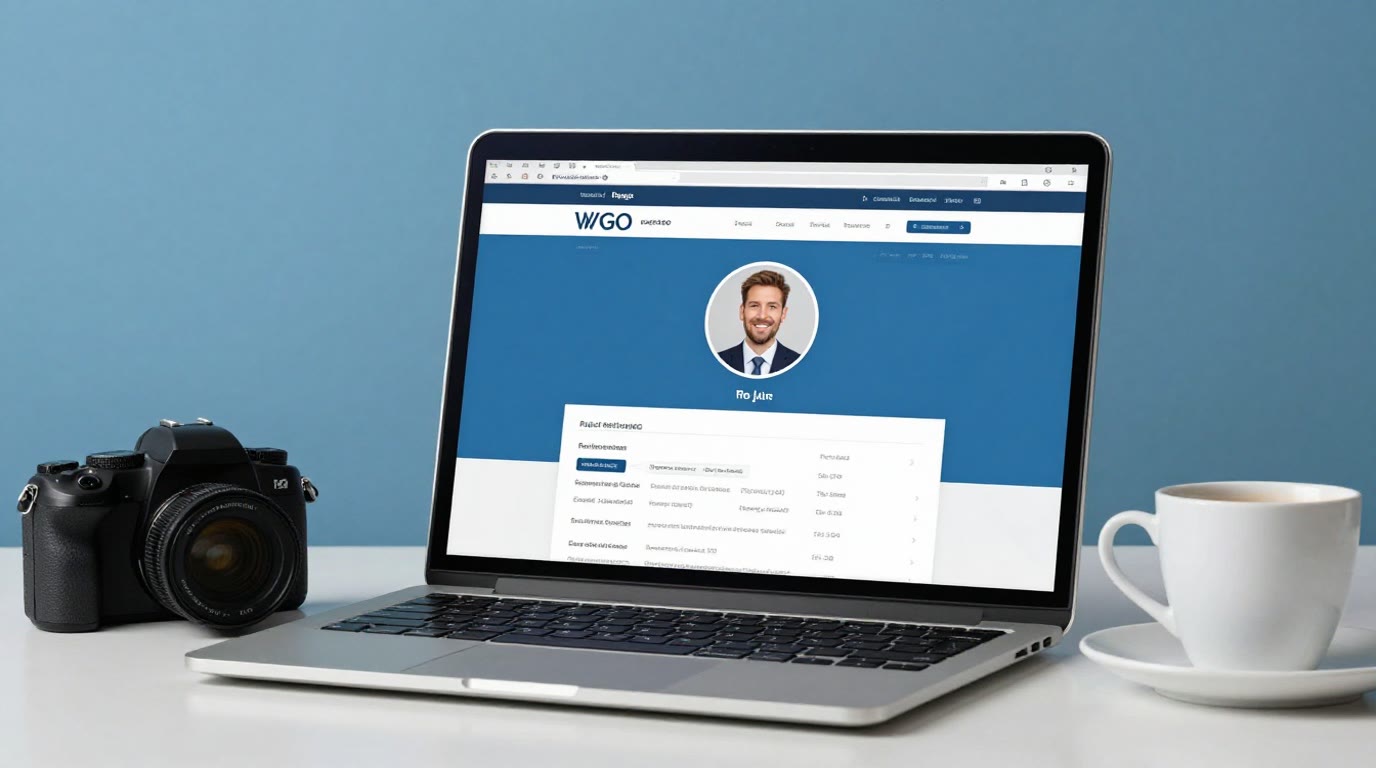
Your LinkedIn profile picture is doing more work than anything else on your profile. Recruiters spend an average of a few seconds on a first pass, and the photo is where the eye lands before a single word gets read. Profiles with a photo get dramatically more views and connection requests than those without — and the difference between a good photo and a cropped vacation shot is the difference between "credible professional" and "didn't bother."
This guide covers what actually makes a LinkedIn photo work, the technical specs, the mistakes that quietly cost you, and the three ways to get a great one — including the newest option: generating a professional headshot with AI from a photo you already have.
What makes a LinkedIn profile picture work
- Your face fills about 60% of the frame. Head and shoulders, not full body. LinkedIn renders your photo as a small circle in most contexts — a distant figure becomes an unidentifiable speck in search results.
- Eyes to the camera, genuine expression. A slight natural smile reads as competent and likeable. Dead-serious stares test worse; forced grins worse still.
- Clean, uncluttered background. Neutral studio tones, a softly blurred office, or a plain wall. The background's job is to not compete with you.
- Good light on your face. Soft, even, from the front or slightly to one side. Harsh overhead light, backlit windows, and party lighting are the three classic killers.
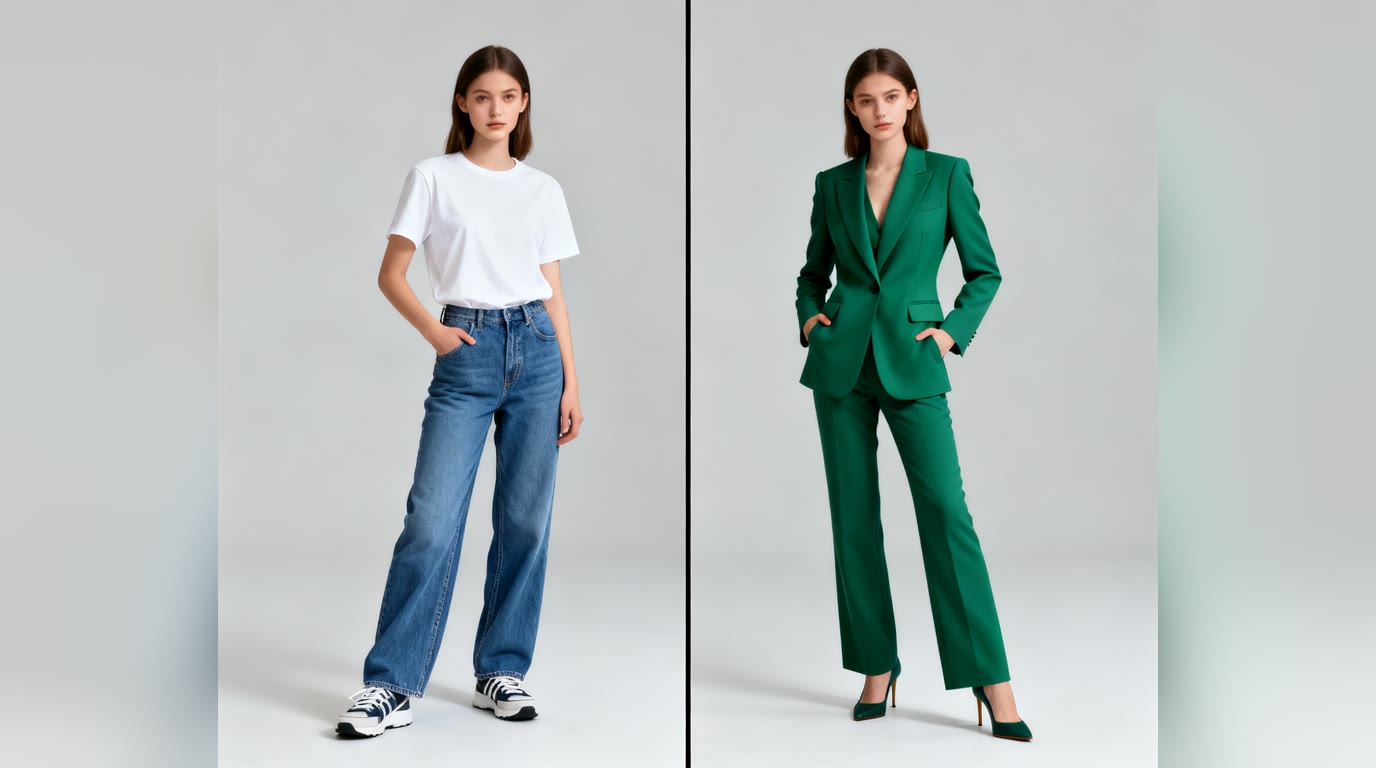
- Dress one notch above your daily role. Business casual for most industries; a suit if your clients expect one. What matters is that it matches how you'd show up to a first client meeting.
- Recent and recognizable. The unspoken contract: when someone meets you, you should look like your photo. A decade-old picture breaks trust in the first handshake.
LinkedIn photo specs (2026)
LinkedIn profile picture requirements
| Spec | Requirement |
|---|---|
| Minimum size | 400 × 400 px |
| Maximum size | 7680 × 4320 px, 8 MB |
| Display shape | Circle (upload square, keep your face centered) |
| File types | JPG, PNG |
| Safe framing | Head + shoulders, face ~60% of frame |
| Background | Neutral, uncluttered, lighter than your outfit |
Upload square, and remember the circular crop: anything in the corners disappears, so center yourself and leave a little headroom.
The mistakes that quietly cost you
- The crop job — a disembodied arm on your shoulder and festival lighting say "this was the best I had lying around."
- The selfie angle — an arm's-length shot from below is unmistakable at a glance, even in a small circle.
- Sunglasses, heavy filters, party context — anything that hides your eyes or relocates you to a nightclub.
- The badge photo — official ID photos are technically professional and completely lifeless.
- No photo at all — the grey silhouette reads as either "brand new here" or "something to hide," and both cost you clicks.
Three ways to get a great LinkedIn photo
1. A professional photographer
The gold standard for executives and anyone whose photo appears in press. Costs real money and an appointment, but you get direction, lighting, and a set of shots. If your career stage justifies it, do it.
2. The DIY setup
A friend, a phone with portrait mode, a window for soft light, and a plain wall gets you 80% of the way — if the person behind the phone has patience for thirty takes and you have a good outfit ironed. Free, but quality varies with the photographer you happen to live with.
3. AI headshot generation
The new middle path: upload one clear photo of yourself and an AI LinkedIn headshot generator produces a professional version — business attire, clean background, studio-grade lighting — while keeping your face exactly yours. What used to require a studio session now takes a minute and works from a selfie taken today.
Where AI headshots shine: speed, cost (free to try), consistency across variations, and fixing everything around your face — clothes, background, lighting. Where to stay careful: the result must still look like you on your best day, not a different person. Good tools change the presentation, not the face; if a result drifts from your real appearance, regenerate rather than publish something that will surprise people who meet you.
Step by step: an AI LinkedIn headshot in five minutes
- 1. Pick your source photo. Front-facing, decent light, your face clearly visible. It does not need to be professional — that's the point.
- 2. Choose the style. For LinkedIn, business casual with an office-blur or studio background is the sweet spot for most industries — approachable beats formal in the feed. Full corporate suit if your field expects it.
- 3. Generate and compare. Make several variations; small differences in expression and lighting matter more than you'd think at circle-crop size.
- 4. Zoom-test the winner. Shrink it to thumbnail size. Still recognizable, still sharp? That's your photo.
- 5. Upload square, centered. 400 × 400 minimum — generated headshots comfortably exceed this.
The LinkedIn headshot generator presets exactly this configuration — square format, business-casual styling, approachable lighting — and it's free to try with no signup. If you want the broader tool with all eight professional styles (corporate, creative, medical, real estate and more), that's the full AI headshot generator.
One last check
Whatever route you take, run the stranger test: would someone who has only seen this photo pick you out at a coffee shop? If yes — and the photo looks like it was taken on purpose — your profile picture is doing its job. Pair it with a bio that's actually written rather than left blank, and the top of your profile is handled.